From their first block at five to real Python at fourteen.
197 free video lessons across three courses, with printable workbooks that turn watching into doing. One path, start to finish - you never have to work out what comes next.
Free to watch · No sign-up · Printable workbooks for every course
- 197 lessons, free to watch
- Three courses, ages 5-14
- Printable workbooks with answer keys
- Classroom licence available
Coding apps alone don't teach coding
Children tap through a tutorial and forget it by Tuesday. Our workbooks make them plan on paper first - the thinking that turns tapping into understanding.
Plan before you tap
Every scene is drawn and sequenced on paper before a single block is dragged. That is the algorithm - and it sticks.
Real computing ideas
Events, sequences, loops, scenes and debugging. The same concepts they will meet again at eleven, taught at five.
Away from the screen
Colouring, counting, matching and drawing. Half the learning happens with a pencil, which is the point.
Three courses, one path
Each one picks up where the last leaves off, so a child who starts at five never has to wonder what to learn next.
Kids Programming
Beginner · first code
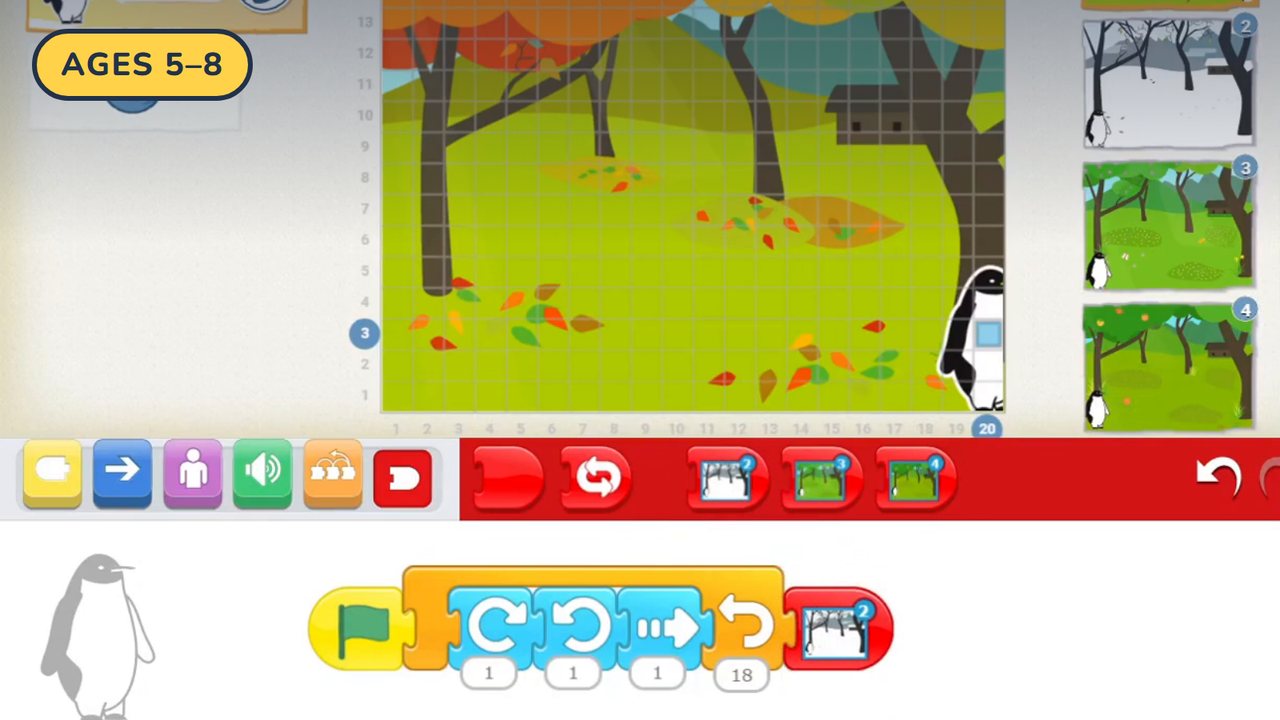
72 lessons that start in ScratchJr and open out into art, sound, cartoons and puzzles - everything a five-year-old needs before real code.
See the course →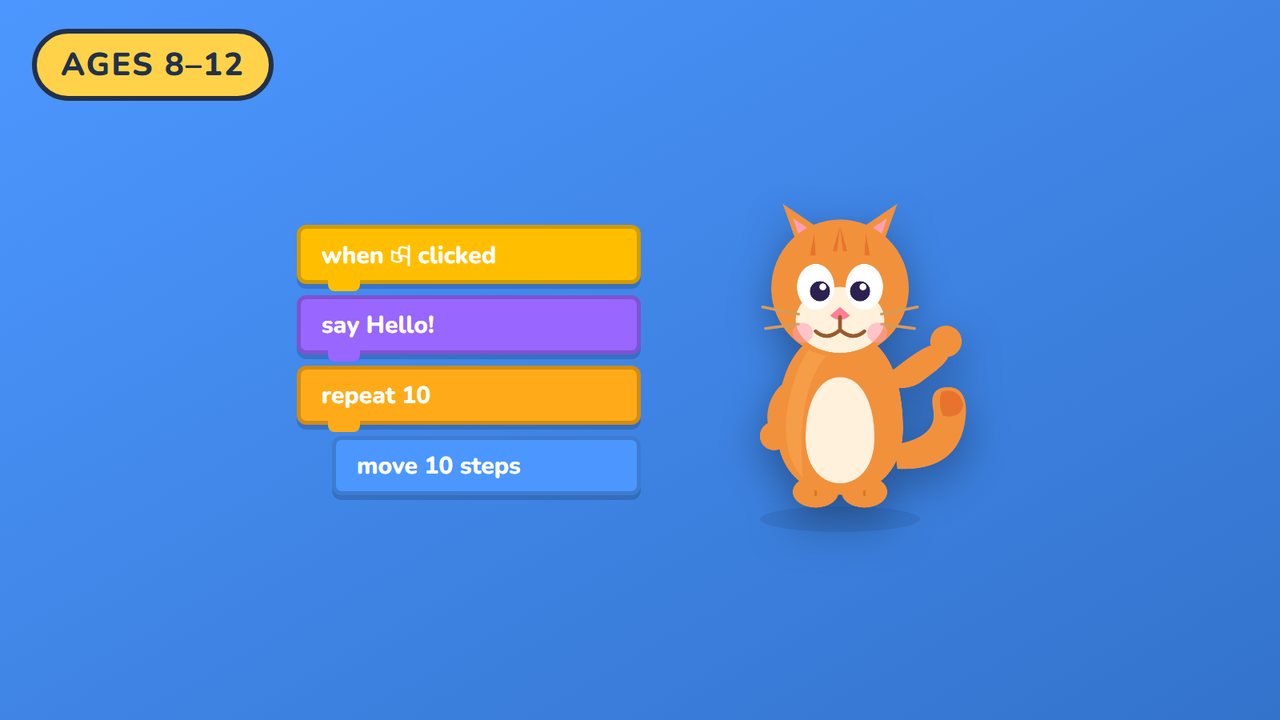
Scratch
Intermediate · real programming ideas
62 lessons that turn block-play into real games - arcade classics, platformers, 3D worlds and a Roblox bot.
See the course →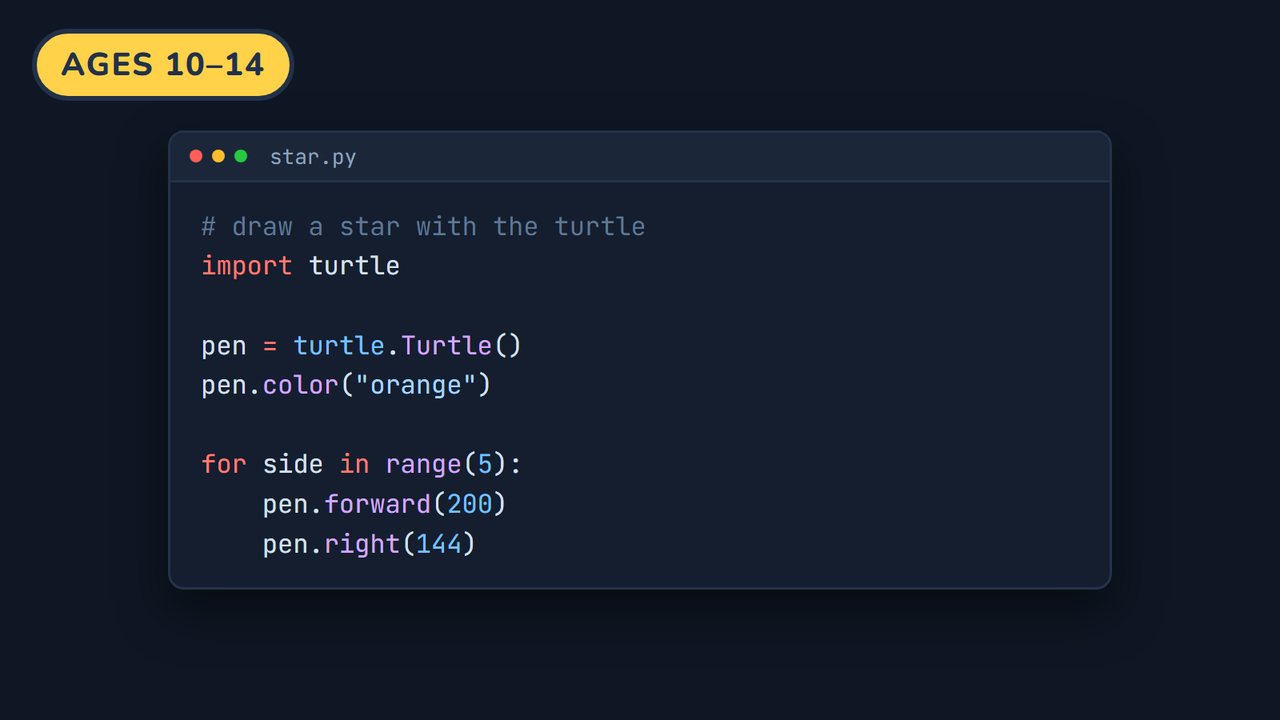
Python
Text code · the real thing
63 lessons from the first print statement to a deployed web app, a Telegram bot and a trained computer-vision model.
See the course →Start here
The first Kids Programming lessons, free to watch. No sign-up.
Workbooks
Every lesson has its own workbook. Watch the lesson free, then pick up the printable pages for the one you are working on - three ways, whichever suits you. Instant PDF download, pay once, print forever.
Lesson Workbook
- Everything that lesson teaches, on paper
- Plan the project before you build it
- Practice pages and a challenge
- Answer key included
Workbook + Student Book
- Everything in the workbook
- The illustrated student book
- Coding vocabulary and reflection pages
- Certificate of completion
Classroom Licence
- Print for up to 35 children
- Use across one academic year
- Answer key and teacher notes
- Invoice available for schools
Prices are per lesson. Open any lesson to get its workbook.
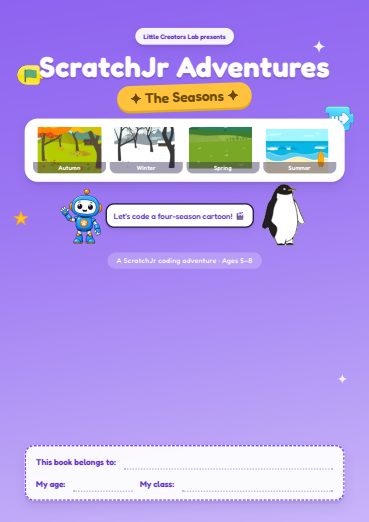
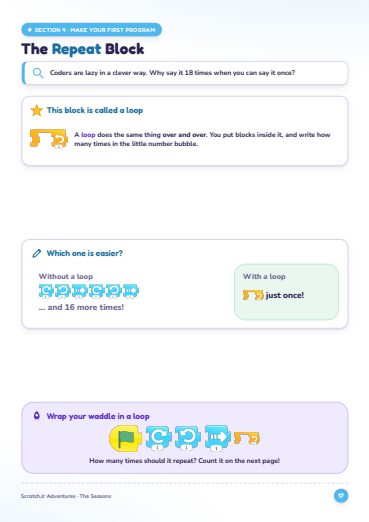
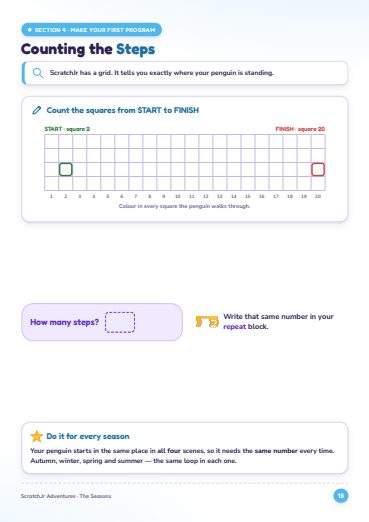
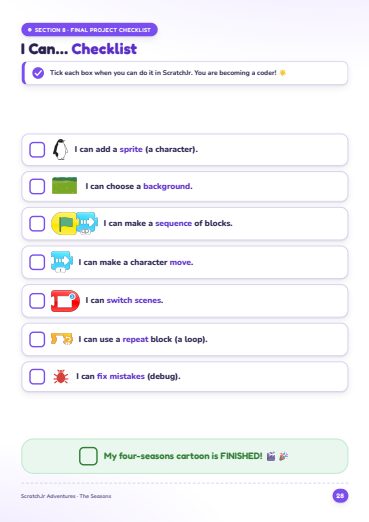
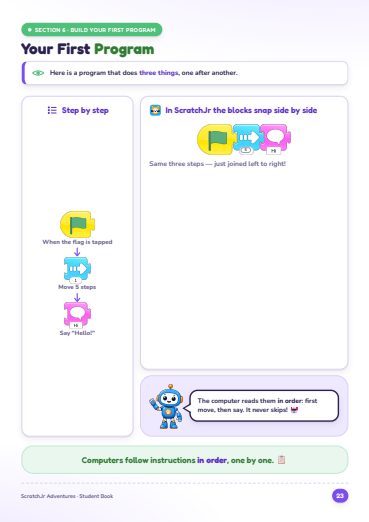
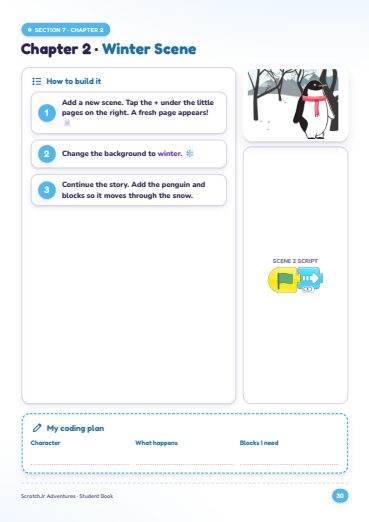
A look inside
Real pages - illustrated throughout, with an answer key and a certificate at the end.
Never miss a lesson
Get a free three-page sample of the workbook, and an email whenever a new lesson lands.
Built for classrooms too
ScratchJr is already in thousands of primary classrooms. What is usually missing is the paper: a scheme of work, printable activities and an answer key that a busy teacher can hand out tomorrow morning.
The classroom licence covers up to 35 children for a full academic year, and schools can be invoiced.
See classroom pricing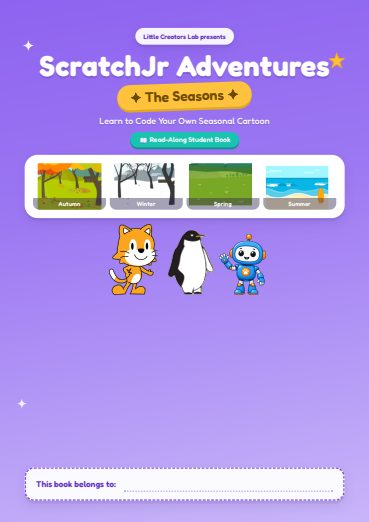

Hello, I'm Teacher Kenneth
I teach children to code - from five-year-olds dragging their first block to teenagers writing Python - and I write every lesson and every workbook page myself. If it is in the book, I have taught it to a real class and watched where they get stuck.
Questions
What age is this for?
Five to eight. Children who can hold a pencil and follow a picture can do these pages; an adult reads the instructions aloud for the youngest.
Do I need to know how to code?
No. Every lesson is filmed step by step, and the workbook has an answer key. If you can follow a recipe you can do this alongside your child.
Do we have to do the lessons in order?
The first units build on each other, so start at Lesson 1. Later units are more independent - once your child is confident, dip in wherever interests them.
What do we need?
A tablet with the free ScratchJr app (iPad or Android), a printer, and some coloured pencils. Nothing else, and no subscription.
Is ScratchJr free?
Yes. ScratchJr is a free app from the DevTech Research Group at Tufts University and the MIT Media Lab. We are not affiliated with them - we make the printable lessons that go alongside it.
How is the workbook delivered?
As a PDF, immediately after checkout. Print it as many times as you need for your own family, or for one class under the classroom licence.
Can I get a refund?
Yes - if it is not right for your child, reply to your receipt within 30 days and we will refund you in full.