
Home › Lessons › Kids Programming › Lesson 1
Make a Four Seasons Cartoon
Your penguin waddles through autumn, winter, spring and summer - and your child builds every bit of it.
Unit 1: First projects in ScratchJr
▶ Watch on YouTube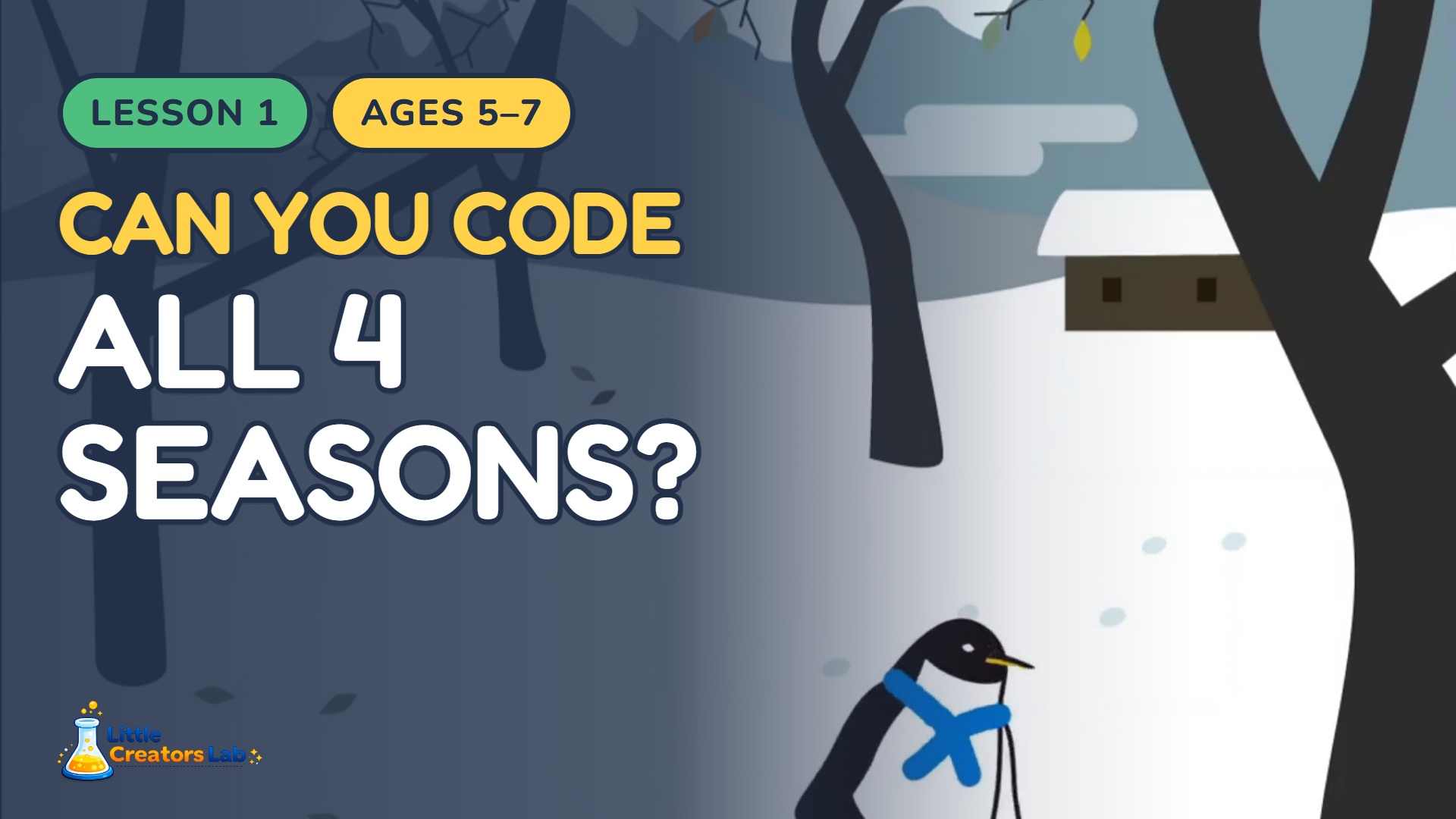
What your child learns
- Sprites and backgrounds
- Events - the green flag
- Motion blocks and the waddle
- Loops - the repeat block
- Scene switching and the cycle
- Debugging
What happens, minute by minute
- 0:00 What we are making
- 1:24 Open ScratchJr and start a new project
- 2:05 Say goodbye to Tic
- 2:20 Add your penguin
- 3:04 Make four scenes
- 3:49 Choose the four season backgrounds
- 5:33 Where does the penguin stand? (the grid)
- 6:50 Why 18 steps?
- 7:24 The green flag
- 7:41 Make it waddle
- 8:35 The repeat block
- 9:21 It works!
- 9:26 Your turn - pause and try it
- 10:40 Why doesn't the scene change?
- 11:17 The red end block
- 11:55 That is a cycle
- 12:30 The moment of truth
- 13:22 Dress your penguin
- 14:05 The finished cartoon
Printable pages for Lesson 1
Watching is the easy half. The workbook is where your child plans this project on paper first - the thinking that makes it stick.
Lesson Workbook
The printable workbook that goes with a single lesson. Plan the project on paper, practise the new blocks, and check the answer key at the back.
Buy the workbookWorkbook + Student Book
The lesson workbook plus the illustrated student book - the read-along that explains the ideas before your child picks up a pencil.
Get both booksClassroom Licence
Both books for one lesson, licensed for a whole class. Print for up to 35 children for a full academic year.
Licence for my classNever miss a lesson
Get a free three-page sample of the workbook, and an email whenever a new lesson lands.